
How to write a CV in the UK (with a free checklist)
What UK employers expect on a CV, section by section, what to leave out, how to beat applicant tracking systems, and a checklist to run before you send it.
· 5 min read
Most CVs get a few seconds of attention before the reader decides whether to keep going. In that time they want to know who you are, what you do and whether you match the job. A UK CV that makes those three things obvious will beat a longer, cleverer one almost every time. Here is how to build one, section by section, followed by a checklist to run before you press send.
CV or résumé?
In the UK the document is called a CV, and it is usually up to two sides of A4. It lists your experience in reverse date order (most recent first) and focuses on achievements. An American-style résumé is shorter and sometimes laid out differently; if you are applying to UK employers, use UK conventions and UK spelling throughout.
What to put at the top
Your name as the heading, in a larger font. You do not need to write “Curriculum Vitae” above it.
Contact details on one or two lines underneath: phone number, a professional email address, your town or city (a full street address is no longer expected), and a LinkedIn profile or portfolio link if it is up to date and relevant.
Right to work, if it might be in doubt. If your name or work history might make an employer wonder whether you need a visa, a single line such as “Full right to work in the UK” removes the question.
The personal profile
Three or four lines directly under your contact details that answer “who are you and what do you offer?”. Write it in a neutral or first-person style without the word “I” at the start of every sentence, and make it specific to the kind of role you want.
A weak profile: “Hard-working, motivated team player with excellent communication skills.”
A stronger one: “Customer service team leader with five years in high-volume retail, managing rotas for a team of eight and cutting complaint response times by a third. Looking to move into an operations coordinator role.”
The second version gives facts the reader can check and tells them what you want next.
Work experience
For each job, give the job title, employer, location and dates (month and year is enough), then three to six bullet points. Lead each bullet with a strong verb and, wherever you can, a result:
- “Reduced stock write-offs by 18% by introducing a weekly date-check rota.”
- “Trained 12 new starters on the till and returns system.”
- “Handled an average of 60 customer calls a day with a 95% satisfaction score.”
Duties (“responsible for stock”) tell the reader what you were supposed to do. Achievements tell them what happened because you were there. Older or less relevant jobs can shrink to a single line each.
Gaps do not need to be hidden. A one-line entry such as “Career break: caring for a family member” or “Travelling in South America” is better than an unexplained hole.
Education and qualifications
Most recent first. University leavers lead with their degree, classification and any relevant modules or dissertation. School leavers list GCSEs (a summary such as “9 GCSEs at grades 9 to 5, including English and Maths” is fine) and A levels, T levels or BTECs with grades. Experienced candidates can move education below work history and keep it brief.
Add professional qualifications and licences that matter for the job: a CSCS card, a full UK driving licence, a food hygiene certificate, AAT or CIPD levels.
Skills, and anything else that helps
A short skills section works well for software, languages and technical abilities: “Excel (pivot tables, lookups)”, “Conversational Spanish”, “Sage 50”. Avoid listing soft skills you have not shown elsewhere.
Volunteering, a side business or a sports club role can earn a place if it shows something the job needs. Hobbies are optional and should be specific if included.
References are rarely needed on the CV itself. You can leave them off entirely; employers will ask when they want them.
What to leave out
UK employers do not expect, and are generally better off not seeing:
- a photo (except for acting, modelling and some presenting roles)
- your date of birth or age
- marital status, children or religion
- your National Insurance number
- salary history
Leaving these out keeps the focus on your skills and avoids giving anyone information that equality law says should not affect the decision.
Getting past applicant tracking systems
Many employers and agencies use applicant tracking systems (ATS) to store and search CVs. They read text, not design, so:
- use standard headings (“Work experience”, “Education”, “Skills”)
- avoid text boxes, tables for layout, headers and footers holding key details, and images of text
- mirror the wording of the job advert where it is true for you: if the advert says “stakeholder management”, use that phrase rather than a synonym
- save as PDF unless the advert asks for Word; name the file sensibly, for example “Sam-Patel-CV.pdf”
A clean, single-column template does most of this for you. Our CV templates are built that way and open in Word or Google Docs.
Tailor it every time
You do not need a new CV for every application, but you should adjust the profile and the order of your bullet points so the most relevant achievements come first. Keep a master version with everything in, then trim a copy for each role. A simple job search tracker helps you remember which version went where.
The checklist
Run through this before every application:
- Your name is the heading; phone, email and town are correct and clickable.
- The profile mentions the type of role you are applying for.
- Every job has title, employer, dates and at least one measurable result.
- The most relevant experience appears on page one.
- No photo, date of birth, marital status or NI number.
- Spelling is UK English and has been checked by someone else or read aloud.
- Dates are consistent (all “Mar 2023” or all “03/2023”, not a mix).
- Fonts and sizes are consistent; body text at 10 to 12 point.
- It fits on two sides of A4 without cramming.
- Key phrases from the job advert appear where they are true.
- It is saved as PDF (unless Word was requested) with your name in the file name.
- A tailored cover letter is ready to go with it.
That last point matters more than many people think. Our guide to UK cover letter tips that actually get interviews covers how to write one in under an hour.
Browse the templates
Templates that help
 Careers
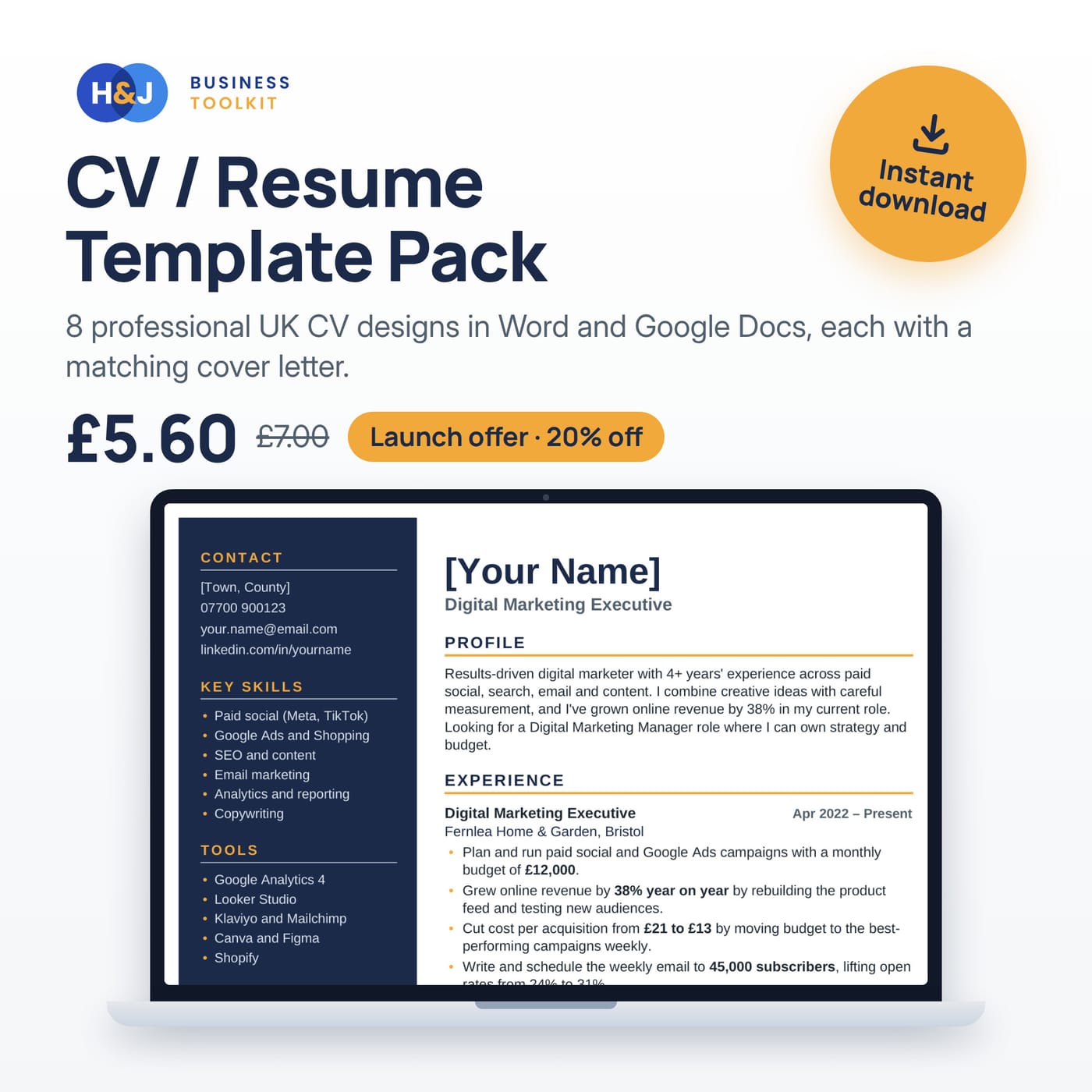
CV / Resume Template Pack
8 professional UK CV designs in Word and Google Docs, each with a matching cover letter.
Price: £5.60
was £7.00Launch offer: 20% offWord · Google Docs · Pages · PDF
 Careers
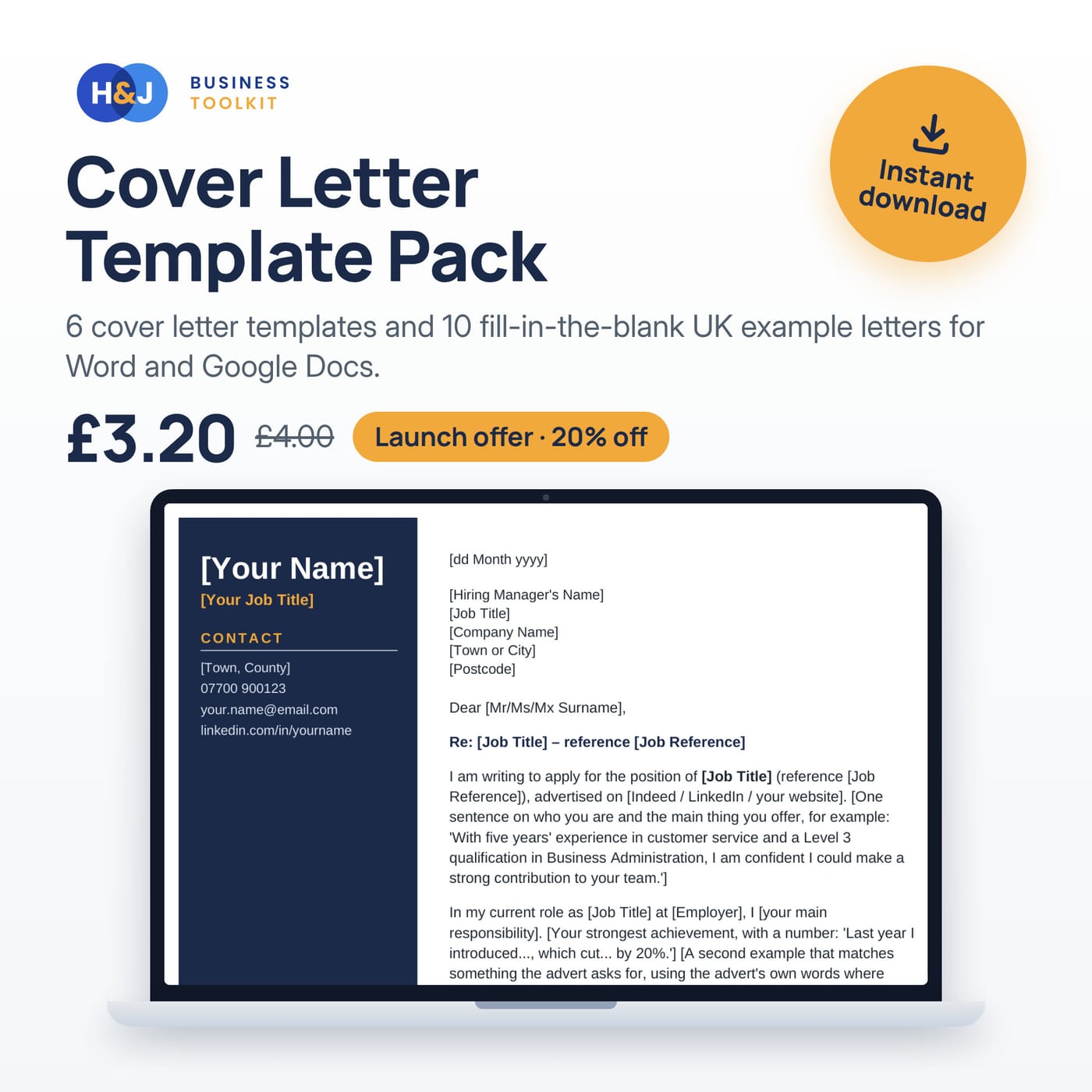
Cover Letter Template Pack
6 cover letter templates and 10 fill-in-the-blank UK example letters for Word and Google Docs.
Price: £3.20
was £4.00Launch offer: 20% offWord · Google Docs · Pages · PDF
 Careers
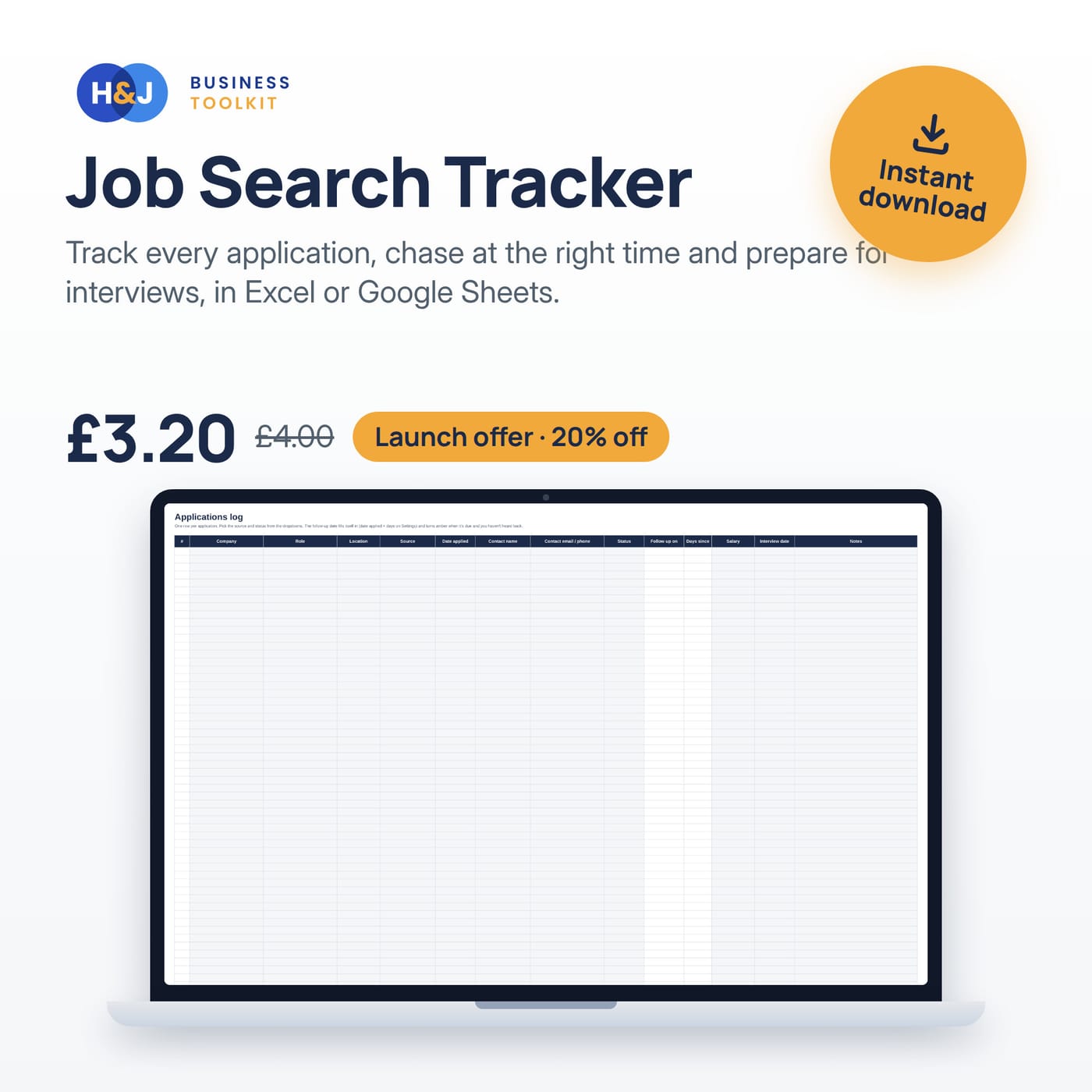
Job Search Tracker
Track every application, chase at the right time and prepare for interviews, in Excel or Google Sheets.
Price: £3.20
was £4.00Launch offer: 20% offExcel · Google Sheets
Keep reading
UK cover letter tips that actually get interviews
How to write a one-page UK cover letter that answers the job advert: a four-paragraph structure, examples, and the mistakes recruiters spot first.
How to make a 12-month cash flow forecast for a bank loan
Build a 12-month cash flow forecast a UK lender will take seriously: assumptions, payment timing, VAT and tax bills, and the checks to run first.
Gift vouchers for small businesses: how to sell and track them
How UK small businesses can sell gift vouchers profitably: what to print on them, fair terms, tracking redemptions, and VAT basics.
Get the free invoice template
A clean, UK-ready invoice for Excel and Google Sheets, plus occasional tips and new template news. Unsubscribe any time.
Your template is ready
We have also emailed the link to . Check your spam folder if it does not show up.
Download the template (.xlsx)For Google Sheets: upload the file to Drive and open it with Sheets. Trouble? Email support@hnjuk.co.uk.