
Self-assessment expense categories explained
The expense boxes on the self-employment pages of a UK tax return, what goes in each, and the traps that catch sole traders out.
· 3 min read
The self-employment pages of the tax return (form SA103) ask you to split business expenses into a handful of categories. Sort your spending into those same boxes during the year and January becomes a matter of copying totals across. Here is what each box is for, in plain English.
The golden rule
An expense is allowable if it was incurred wholly and exclusively for the business. Something with a mixed use, such as a phone or a car, can still be claimed, but only the business share. Keep a note of how you worked the share out.
The categories on the return
Cost of goods bought for resale or goods used. Stock, raw materials, and parts you build into what you sell. A plumber’s copper pipe goes here; their van does not.
Construction industry subcontractor costs. Only for CIS contractors paying subcontractors.
Wages, salaries and other staff costs. Employees’ pay, employer National Insurance, pension contributions, and agency staff. Your own drawings never go here: as a sole trader you are not your own employee.
Car, van and travel expenses. Fuel, insurance, servicing, parking, train and bus fares, and hotel costs for business trips. Commuting between home and a regular place of work is not allowable. Many sole traders find it simpler to claim the flat-rate mileage allowance instead of actual vehicle costs (see below).
Rent, rates, power and insurance costs. Rent for a workshop or office, business rates, utilities, and business insurance such as public liability. If you work from home, either work out the business share of household bills or use the flat-rate allowance.
Repairs and maintenance of property and equipment. Fixing things, not buying or improving them. Replacing a broken drill motor is a repair; buying a new drill is equipment.
Phone, fax, stationery and other office costs. Business calls and data, broadband (business share), postage, printing, software subscriptions, and the small stuff.
Advertising and business entertainment costs. Website costs, adverts, business cards, listing fees. Note that entertaining customers is not allowable even though the box is named for it; the box exists so HMRC can see it and add it back.
Interest on bank and other loans. Interest on business borrowing, and the interest part of hire-purchase payments.
Bank, credit card and other financial charges. Account fees, card processing fees, marketplace transaction fees.
Irrecoverable debts written off. Invoices you have given up on. Only relevant if you are not using the cash basis (under the cash basis you never counted the income, so there is nothing to write off).
Accountancy, legal and other professional fees. Your accountant, bookkeeper, solicitor for business matters, and professional subscriptions.
Depreciation and loss or profit on sale of assets. Never allowable; instead you claim capital allowances or, under the cash basis, treat most equipment as an expense when you pay for it.
Other business expenses. Anything genuinely business-related that fits nowhere else: training that updates existing skills, trade magazines, protective clothing, work-only tools.
Flat rates that save admin
HMRC’s simplified expenses let you skip receipts for a few items:
- Vehicles: a rate per business mile (45p for the first 10,000 miles in a tax year and 25p after that, for cars and vans) instead of actual costs. Keep a mileage log.
- Working from home: a fixed monthly amount based on the hours you work there, instead of apportioning bills.
Rates are correct at the time of writing; check the current figures on GOV.UK.
Things that are not expenses
Your own salary or drawings, income tax and National Insurance, fines and penalties, everyday clothing, ordinary meals, and the personal part of anything mixed-use. And if you claim the £1,000 trading allowance, you cannot claim expenses as well; it is one or the other.
The cash basis
Most sole traders now use the cash basis by default: income counts when it is received and expenses when they are paid. It suits small businesses because there is no invoicing-versus-payment timing to track, and most equipment is simply an expense.
Make the categories do the work
The simplest system is a bookkeeping spreadsheet with a dropdown for the SA103 category on every expense line. Pick the category as you enter the receipt, and a summary sheet totals each box for you. Our bookkeeping templates are built exactly that way, with the categories matching the return line for line.
Browse the templates
Templates that help
 Business
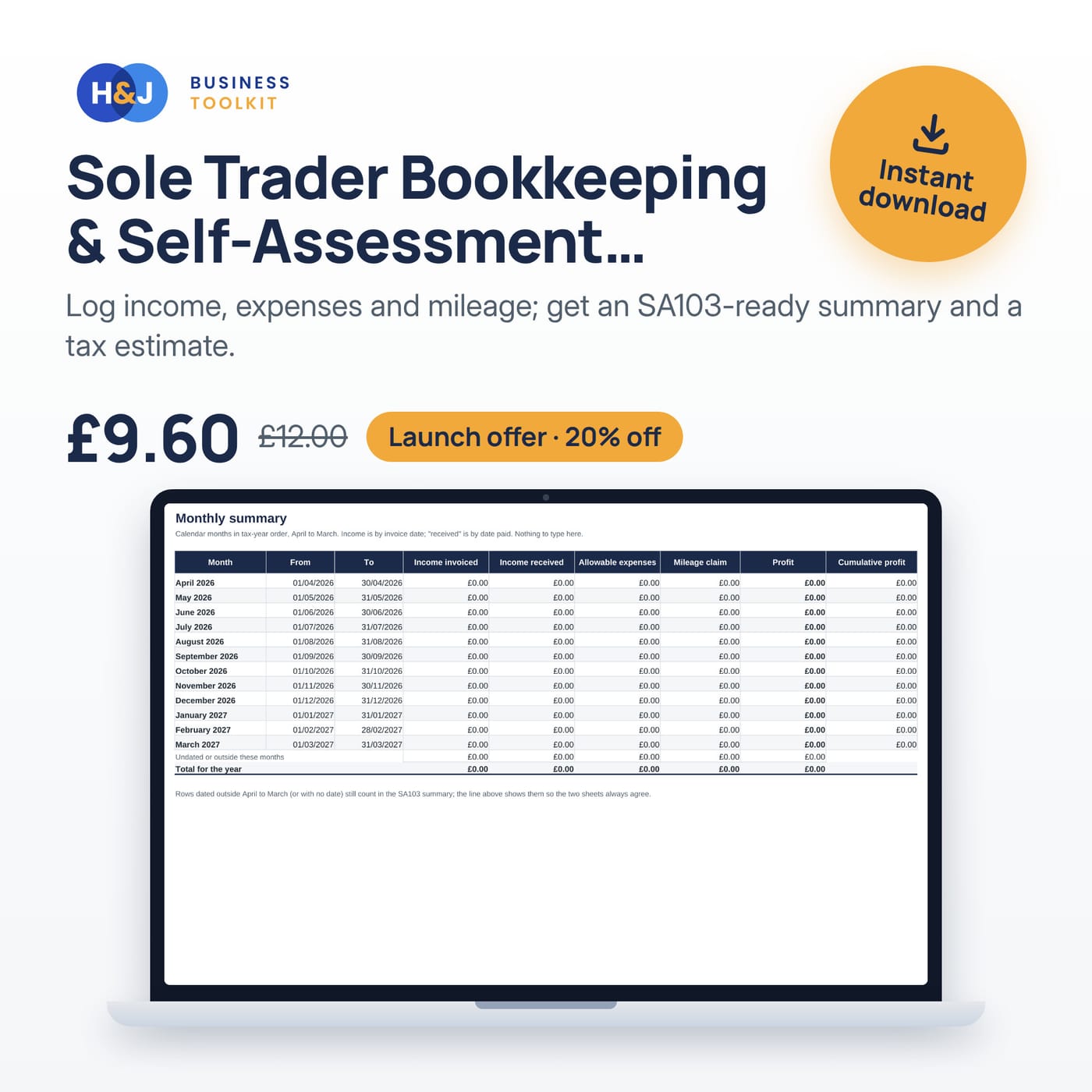
Sole Trader Bookkeeping & Self-Assessment Tracker
Log income, expenses and mileage; get an SA103-ready summary and a tax estimate.
Price: £9.60
was £12.00Launch offer: 20% offExcel · Google Sheets
 Business
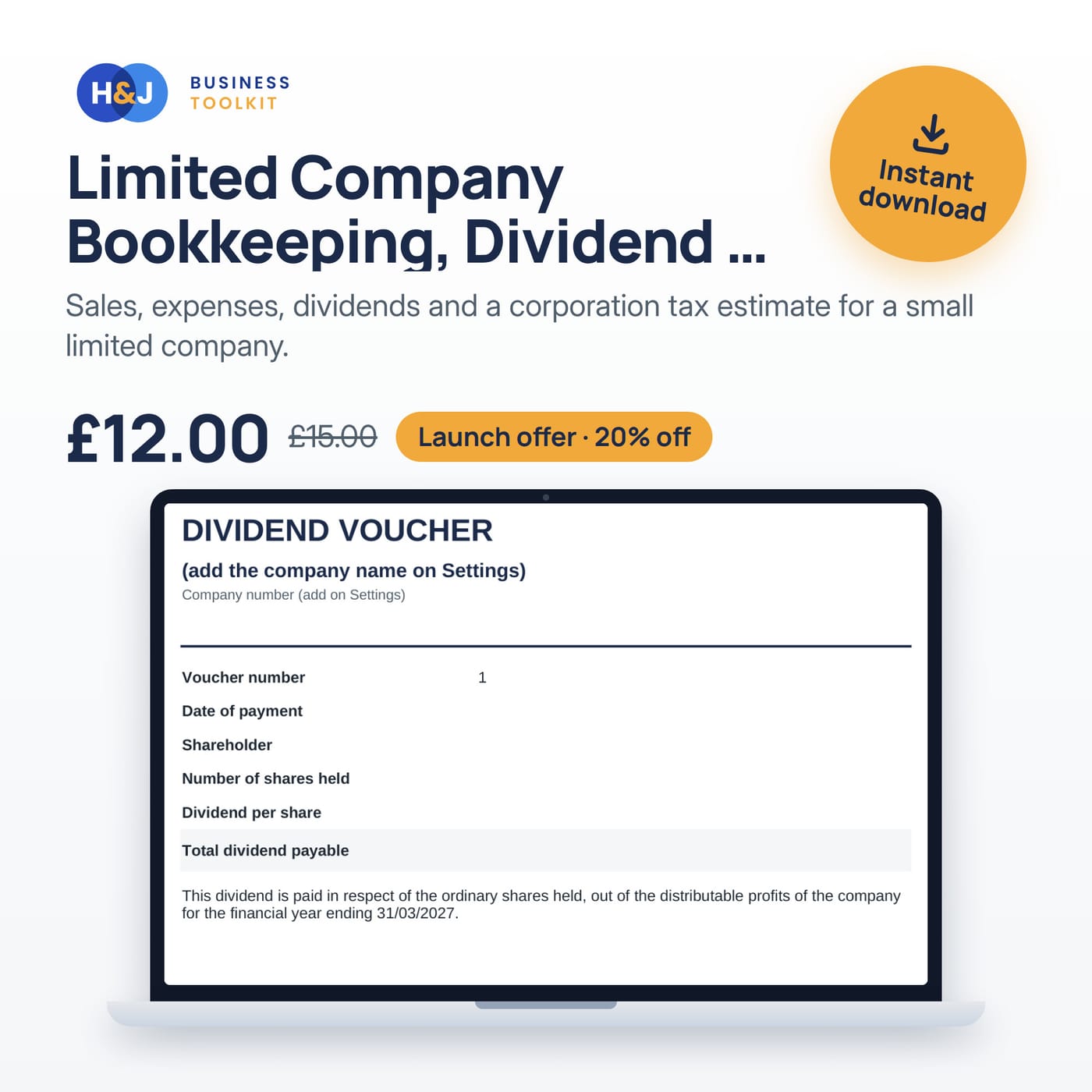
Limited Company Bookkeeping, Dividend & Corporation Tax Tracker
Sales, expenses, dividends and a corporation tax estimate for a small limited company.
Price: £12.00
was £15.00Launch offer: 20% offExcel · Google Sheets
 Business
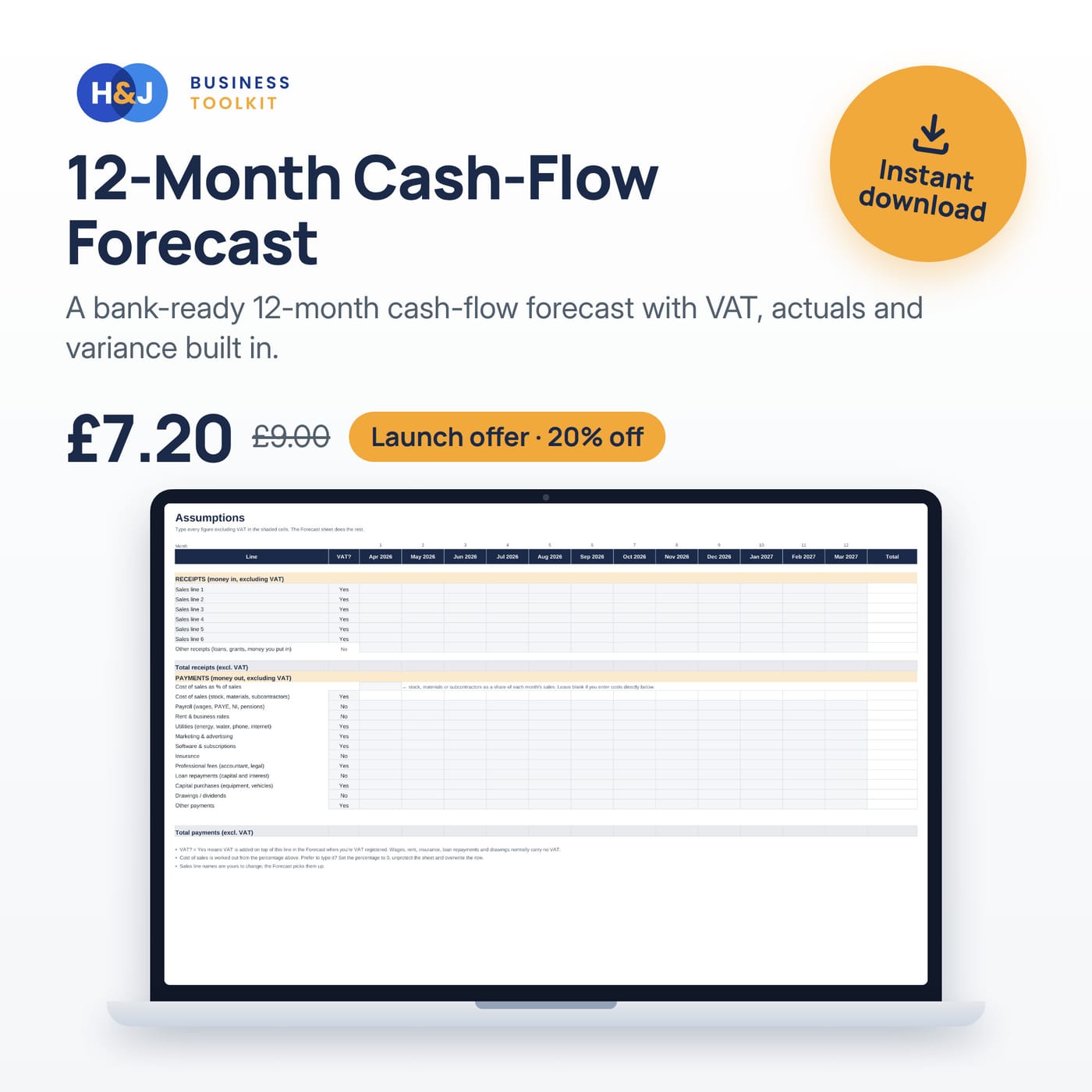
12-Month Cash-Flow Forecast
A bank-ready 12-month cash-flow forecast with VAT, actuals and variance built in.
Price: £7.20
was £9.00Launch offer: 20% offExcel · Google Sheets
Keep reading
How to make a 12-month cash flow forecast for a bank loan
Build a 12-month cash flow forecast a UK lender will take seriously: assumptions, payment timing, VAT and tax bills, and the checks to run first.
Sole trader vs limited company: a plain-English comparison
The real differences between trading as a sole trader and running a limited company in the UK — liability, admin, tax, privacy — and how to decide.
How to invoice as a sole trader in the UK
What a UK sole trader invoice must include, how to number and send invoices, and how to get paid on time.
Get the free invoice template
A clean, UK-ready invoice for Excel and Google Sheets, plus occasional tips and new template news. Unsubscribe any time.
Your template is ready
We have also emailed the link to . Check your spam folder if it does not show up.
Download the template (.xlsx)For Google Sheets: upload the file to Drive and open it with Sheets. Trouble? Email support@hnjuk.co.uk.